Can I Use eSIM Without Wi-Fi?
 AzadSIM Team1 min read
Do You Need Wi-Fi For eSIM?
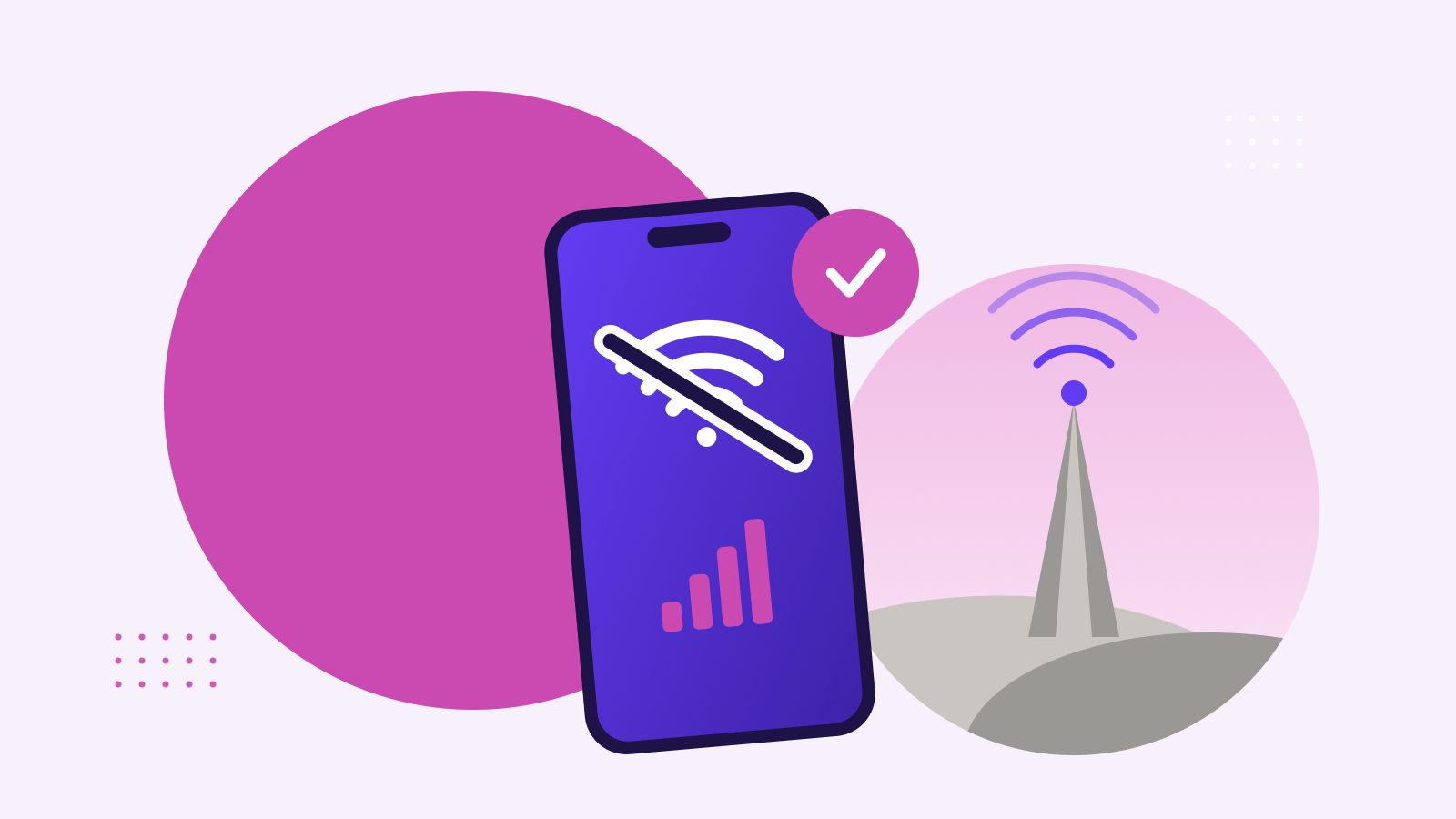
An internet connection will be necessary to install the eSIM, but after you install and activate the AzadSIM, you won't need Wi-Fi in order to access mobile data.
The answer is quite obvious:
- Installing eSIM → internet connection necessary
- Using eSIM → Wi-Fi not necessary
This is why we would recommend that you install your AzadSIM before traveling while having Wi-Fi.
What Happens When You Arrive?
When you're all set to connect at your destination:
- AzadSIM line → ON
- Mobile Data → AzadSIM
- Data Roaming → ON
Your phone will be able to connect via a compatible mobile network and get internet without Wi-Fi.
You can use this internet to:
- Navigate Google Maps
- Use WhatsApp
- Send/receive email
- Browse
- Check social media
- Use travel apps
You can even share your internet with another device via hotspot.
If you have access to Wi-Fi but not to mobile internet, make sure your AzadSIM line is selected for Mobile Data and Data Roaming is ON.